Your eyes watch the track. Your hands feel the wheel. But your ears? They might be your cheapest telemetry system — if you set the audio up right.
Most sim racers spend hours on force feedback settings and never touch the audio mixer. That's backwards. Engine sound, tire scrub, opponent position, curb hits — the game is feeding you information through your speakers the whole lap. Here's how to make sure you're actually hearing it.
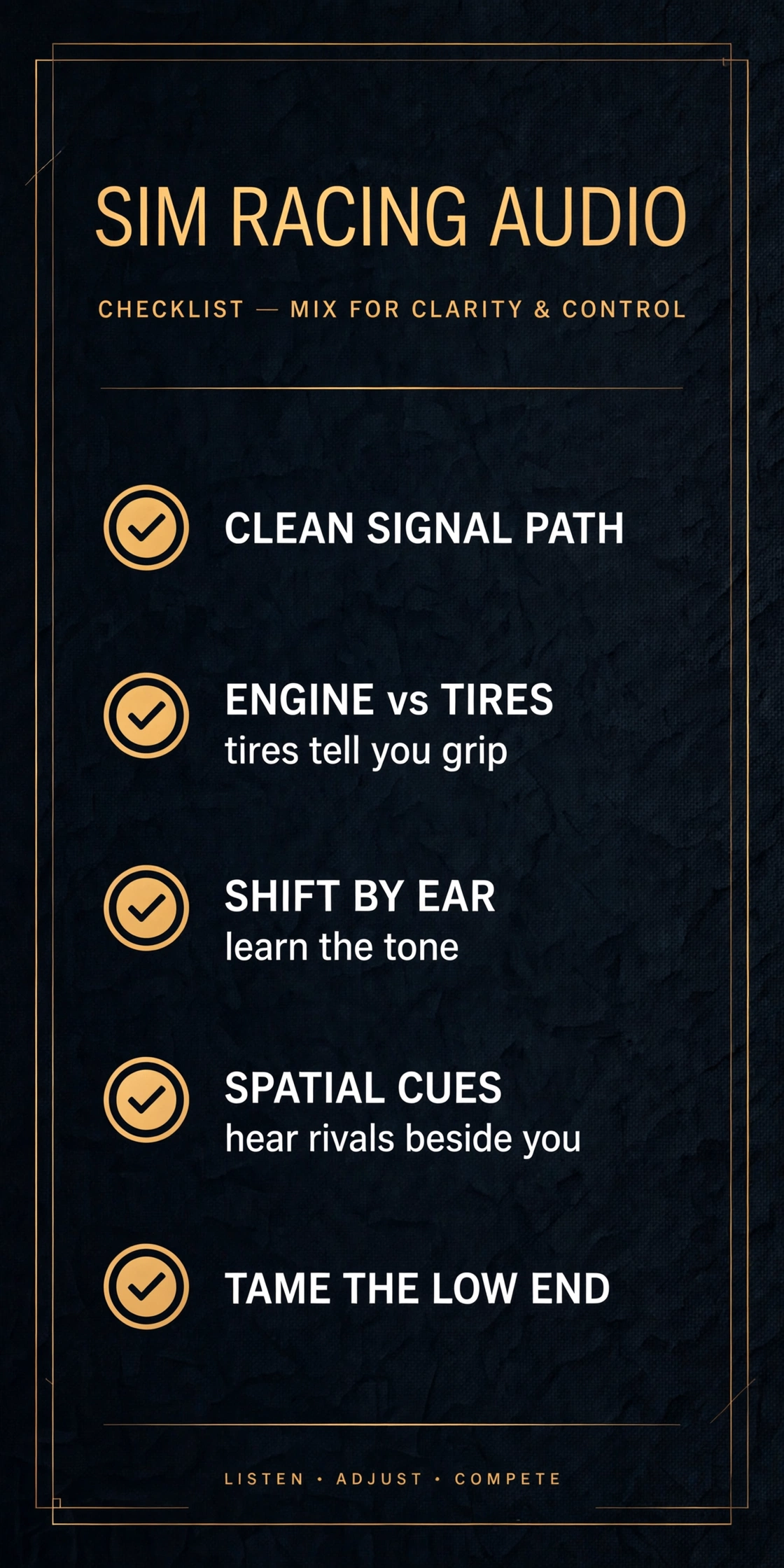
Start with a clean signal path
Garbage in, garbage out — same as a mix. If you're running audio off a motherboard jack into whatever headphones were cheapest, you're smearing the details you need. A solid USB interface like the MOTU M2 gives you a cleaner DAC and a real headphone amp, which means tighter bass and clearer mids. You don't need studio-grade gear, but you do need a signal path that isn't lying to you.
One rule: set your system volume high and the in-game master moderate. Digital clipping in the game bus sounds like grit on the engine note — if your exhaust crackles in a way the car doesn't actually do, that's not character, that's your levels.
Engine vs. tires: the mix that matters
In every sim worth playing, there are two channels competing for your attention: the engine and the tires. Here's the thing most people get wrong — they crank the engine because it sounds cool, and then they can't hear tire scrub anymore.
Tire scrub is data. It tells you when you're at the edge of grip, when you're understeering wide, when the rears are starting to step out. The engine is the carrier; the tires are the message. Drop the engine volume until the tire noise sits clearly on top through corners, then stop. It'll feel quiet at first. Give it ten laps and you'll wonder how you ever drove deaf.
Learn to shift by ear
Every car has a tone where it stops pulling. Revs climb, the pitch rises — and then the note goes flat and harsh at the top end. That's your shift point, and it's faster than watching a tach bar or waiting for a shift light. The problem is that most people never learn the tone because their engine audio is drowned in bass or buried under the spotter.
Do this: pick one car, one track. Run ten laps with the spotter off and your eyes on the road, not the HUD. You'll start hearing the power band. Once it's in your ears, you stop thinking about shifting entirely — which frees up your brain for the actual racing.
Spatial cues: hear the car next to you
Battles are won and lost on knowing exactly where the other car is. Open-back headphones are a real advantage here — the wider soundstage makes it much easier to place a car on your left-rear quarter versus dead beside you. The Beyerdynamic DT 990 PRO is a studio staple for a reason: the stereo image is honest, and that honesty translates directly to knowing where your rival is without looking.
If you race in VR, this matters even more. With the world wrapped around your head, your brain expects sound to behave like real space. Check your sim's audio settings for HRTF or headphone surround options and actually test them — the default is rarely the best one.
Tame the low end
The exhaust note and curb rumble live in the low end, and this is where most rigs fall apart. Too much bass and every curb hit turns into mud; the rumble masks the midrange detail where tire and opponent cues live.
If you run a bass shaker or tactile transducer, treat it like a subwoofer in a mix: it should add feel, not wash. Turn it up until you feel curb strikes distinctly, then back off a hair. If your whole rig is buzzing constantly, you've got too much low end — dial the game's bass-heavy effects down and let the shaker carry the weight instead. Separation is the whole game: ears handle detail, the rig handles impact.
The test routine
Don't change everything at once. Here's the process:
- Reset the in-game audio to default, spotter off.
- Set engine volume so tires are clearly audible in corners.
- Run five laps in one car and note where the shift tone sits.
- Add opponent audio and confirm you can place cars by ear.
- Dial low-end effects until curbs feel distinct, not muddy.
One car, one track, one change at a time. Same as dialing in a mix — you don't EQ everything at once and hope.
Your ears are free lap time
Nobody's audio setup is perfect out of the box. But an hour spent tuning what you hear will do more for your consistency than an hour spent tuning your force feedback curve — because audio is information, and information is lap time.
Speaking of audio — it's literally what I do for a living. If you're a producer who needs mixes that translate or masters that hit hard on every system, check out my mixing and mastering services at mixedbysilent.com. Same ears, different track.